


- Brief Us
- hello@redearthdesigns.com.au
Tel. 1300 980 406
- Our Office
- Level 1 / 28 Orsmond Street, Hindmarsh, South Australia 5007
Signage software and integration
Digital Signage Software & Data Integration
Connect your displays with the systems behind your business. We develop digital signage software and integrations using Fusion, PADS4 or our own software, including connections to live data, business systems and operator controls.
Platforms
Configure a platform, extend it or use our own software.
The approach is agreed around your project: the information you need to show, who will manage it and the systems you already have.
-
Configuring Fusion or PADS4
When the platform already does what you need, the work is configuration: layouts, templates, schedules and content set up within Fusion or PADS4. We have built solutions with both.
-
Custom development around a platform
When your information or controls go beyond what the platform offers, we develop custom integrations and content interfaces around it, subject to its capabilities, access and project requirements.
-
Our own software
Where a tailored approach suits the project, we can build using our own software in partnership with Metromatics. This allows the interface and content workflow to be designed around the information you need to display.
Connected information
Screens that show
what’s happening now.
Every integration starts with the source data. Three examples from our project experience:
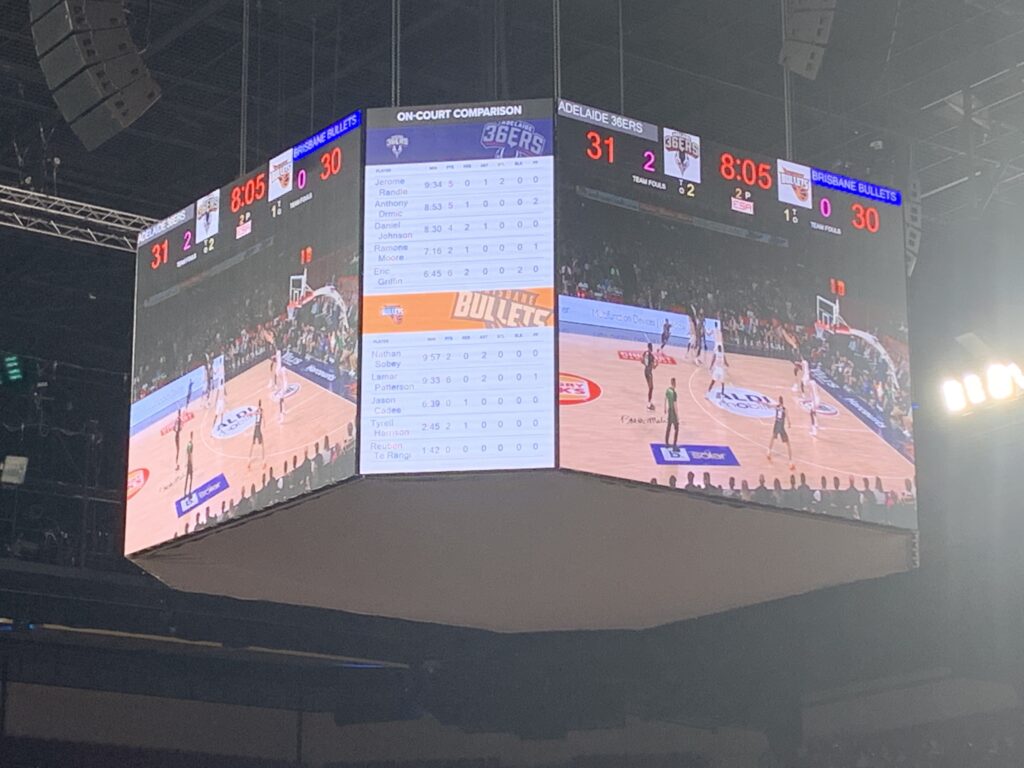
- Adelaide 36ers: we designed the integration between the Genius Sports statistics API and PADS4, so live game statistics appeared on the venue screens. Delivered by LaunchPADS, 2019.
- Roma Street Terminal, Brisbane: we converted bus and coach feeds into live feeds for the PADS4 passenger-information screens. Delivered by Metromatics, who also supplied the hardware, 2019.
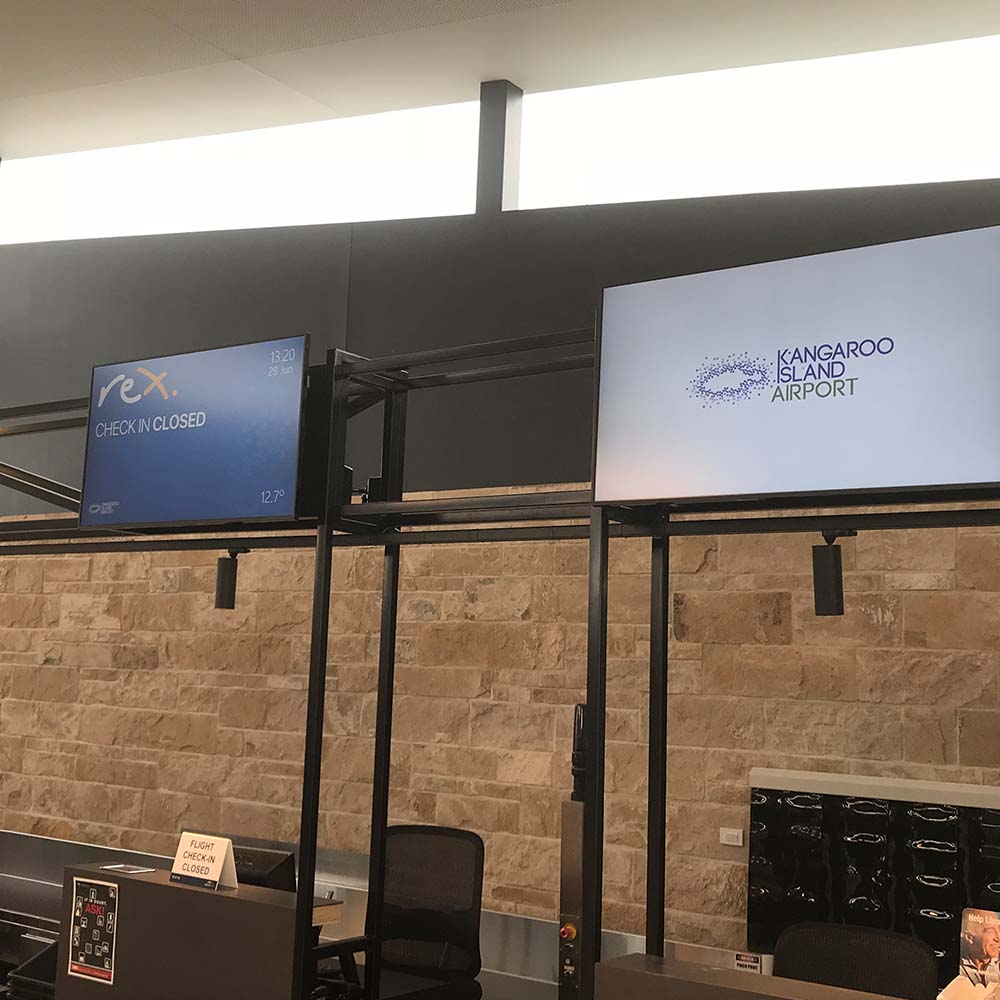
- Kangaroo Island Airport: PADS4 integration for the check-in counter, flight status and passenger-information screens, with tablet-based control. Delivered by LaunchPADS, who also supplied the hardware, 2018.
We assess where your information comes from and develop the connection and on-screen presentation your project needs.
Integration process
How an integration comes together.
These are the requirements we work through on every integration. Update frequency and behaviour depend on the systems involved.
-
Identify the source
We identify where the information comes from and how it can be accessed, such as an API, a data export or a feed from the provider.
-
Agree update behaviour
We agree how often the display should update and what it should show if the data is unavailable.
-
Develop the connection
We build the connection and the presentation of the information on screen.
-
Test with the display system
We test the integration with the signage platform and the agreed display hardware.
-
Document operation
We document how the integration works and what to check if something changes at the source.
Controls and management
Controls and management interfaces.
Give operators practical tools to manage displays and content. We develop interfaces around the tasks people need to perform, from content updates to project-specific display controls.
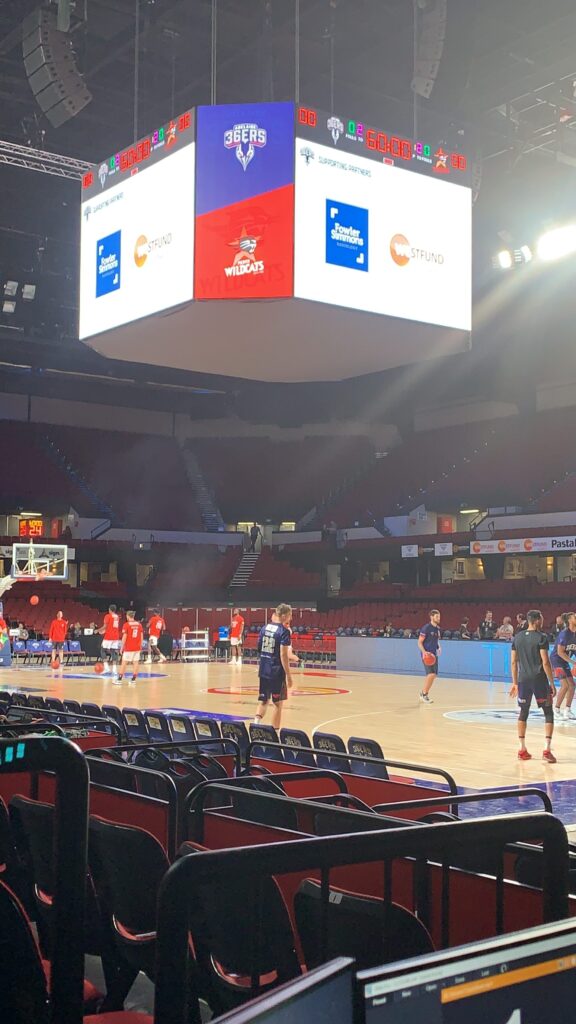
For the Adelaide 36ers, LaunchPADS provided a custom control centre that let game-day production, including the perimeter advertising screen, be adjusted in real time.
Case studies
Beyond the Brief.
Projects delivered under the LaunchPADS and Metromatics names are credited to them on each case study.
-
-
Booking-Connected Signage
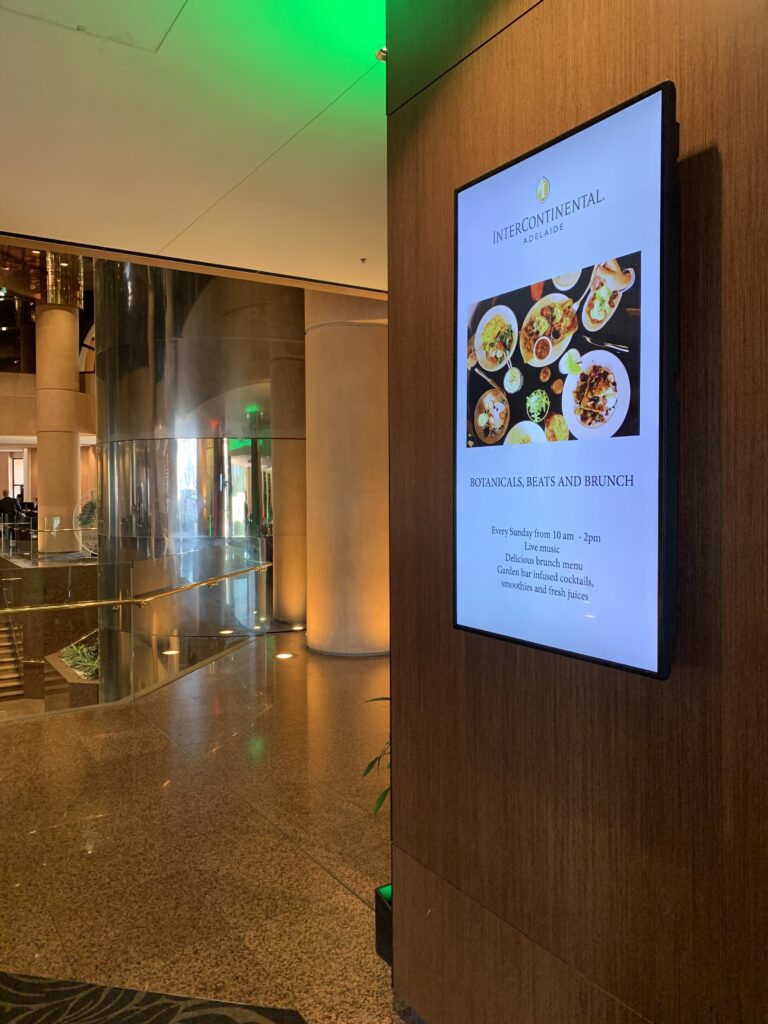
A connected signage project using room-booking information to update meeting-room and wayfinding displays automatically. -
Interactive Wayfinding and Content Portal
An interactive visitor-information system combining touchscreen wayfinding with a custom portal for remotely managed content. -
PADS4 Integration and Tablet Control
PADS4 integration for the check-in counter, flight status and passenger-information screens in a new airport terminal, with tablet-based control of PADS4. -
Live Bus and Coach Departures in PADS4
Bus and coach feeds converted into live feeds for PADS4, so passenger-information screens could show departures as they changed. -
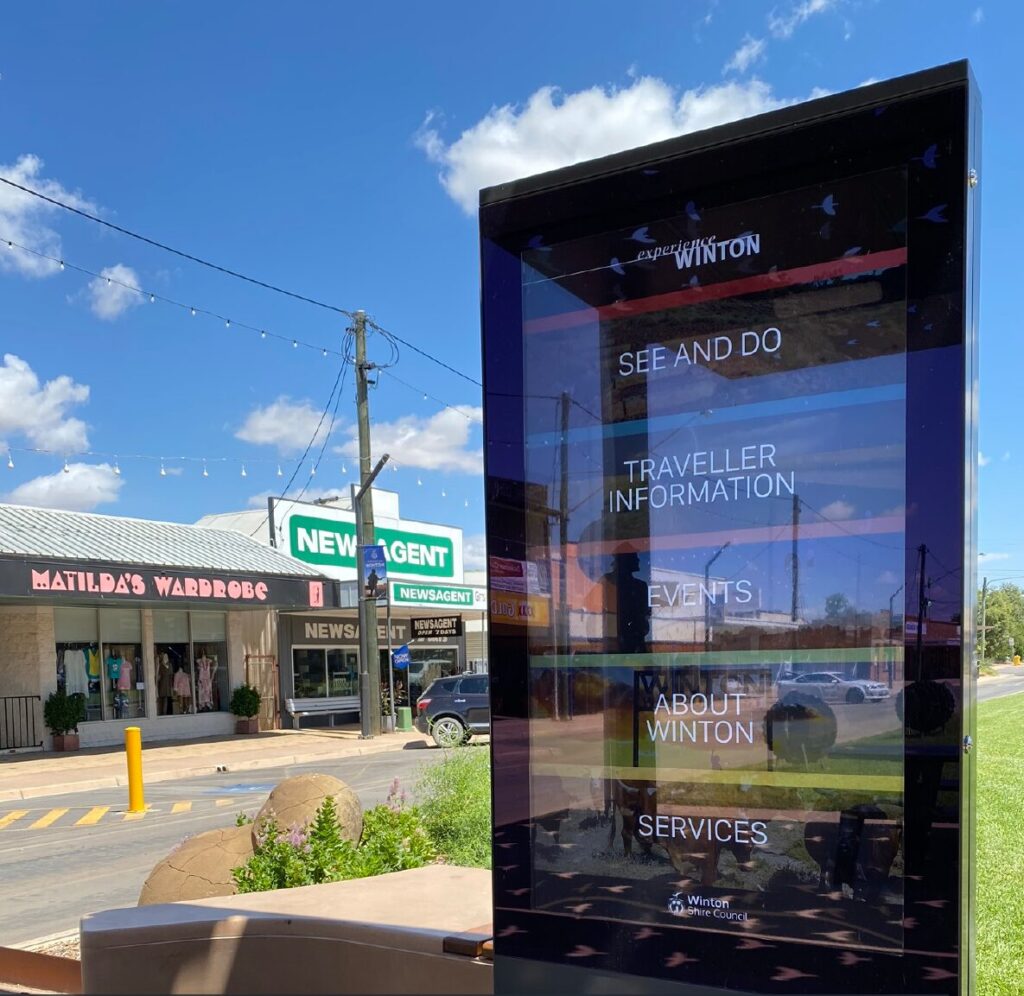
Outdoor Visitor Touchscreen
An outdoor touchscreen on Winton’s main street, giving visitors information about attractions, events and services, with PADS4 running offline inside the sign.
Working with Metromatics
One coordinated project,
hardware to software.
Metromatics supplies the hardware; Red Earth delivers the software and integration. We coordinate the software requirements with the agreed display system.
FAQs
Frequently asked questions
Common questions about signage software and integration.
Can you connect to our business system?
We can look at the interfaces, permissions and data your system makes available, then recommend whether and how it can be connected. Not every system can be connected, and we’ll tell you if yours can’t.
Can you work with Fusion or PADS4?
Yes. We have built solutions with both Fusion and PADS4.
Is custom software the only option?
No. We choose the platform to suit your requirements and the systems you already have. That might be Fusion, PADS4 or our own software.
Who owns the software and what support is included?
Ownership, licensing, maintenance and any third-party costs are set out in the proposal for your project, so you know what’s included before work starts.
Start a project
Tell us what information
your displays need to show.
We’ll look at where the information comes from and how it can reach your screens.